.svg)
.svg)

IT Infrastructure Migration: Workstations, Windows 11, and the Cloud
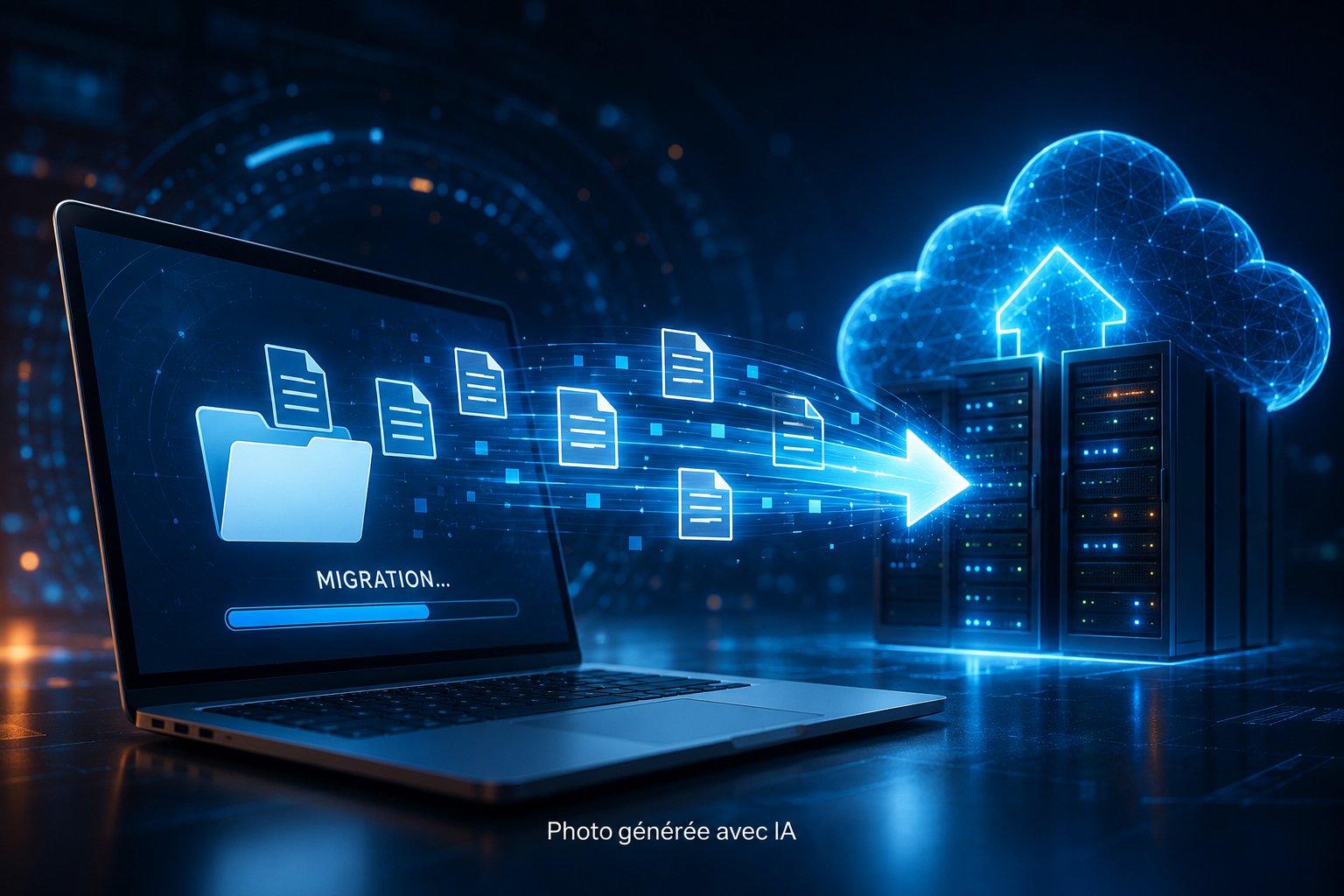
Workstation migration is a key stage in the modernization of a company's IT infrastructure. It involves deploying new operating systems, renewing hardware or transferring user environments (profiles, applications, data) to new workstations or a Cloud environment.
Successful migration guarantees business continuity, data security and configuration compliance, while enhancing the user experience.
At IT Systèmes, we carry out large-scale desktop migrations, whether it’s upgrading to Windows 11, replacing hardware, or transitioning to a cloud environment such as Azure Virtual Desktop. Thanks to our proven methods, automation tools, and our FlexFlow solution, we ensure a seamless transition with no data loss or disruption for users.
Our expertise in desktop migration
Asset audit and migration planning
Migration to Windows 11 and workstation modernization
Migration to Cloud workstations and virtual environments
Automated transfer of profiles, data and applications
Post-migration security and compliance
User guidance, training and support
Why work with IT Systèmes?
- Expertise in large-scale migration.
- Transfer automation via FlexFlow to reduce errors and downtime.
- Full support: audit, planning, deployment, training and support.
- Enhanced security and RGPD/ISO 27001 compliance.
- Advanced expertise in Microsoft Intune, Azure Virtual Desktop and Windows 11.
Windows 10 is no longer supported: Migrate your systems without rushing
End of Support for Windows 10: What This Means for Your IT Infrastructure
As of October 2025, Windows 10 will no longer receive free security updates. Every computer still running Windows 10 becomes a potential entry point for attackers and poses a risk of non-compliance (GDPR, cyber insurance, NIS2). Migrating is no longer an option—but rushing the process can be costly.
Depending on the condition of your fleet, there are three possible paths:
- Migration to Windows 11: On compatible computers (TPM 2.0), you can migrate the operating system, applications, and data without replacing the machines.
- Targeted renewal: For systems that are too old, we combine hardware replacement with automated deployment, ensuring that user environments are faithfully restored.
- Virtual Desktop (Azure Virtual Desktop / Windows 365): to extend certain use cases or secure remote work without relying on local hardware.
We map out the migration path role by role and roll it out on a large scale during non-business hours, without disrupting your teams. See our 7-step migration plan.
Fleet audit and scoping
Preparing and standardizing environments
Pilot phase and user testing
Large-scale migration and deployment
Post-migration support and optimization



-6.webp)



.webp)
-2-2.webp)





-2-3.webp)




FAQ on desktop migration
What is a workstation migration?
This is the process of transferring an entire user environment - system, applications, profiles, data - to a new workstation or a new version of the operating system. This can involve a simple hardware replacement, a version upgrade (Windows 10 → 11) or a transition to the Cloud (Azure Virtual Desktop).
Why is it important to plan a workstation migration?
A poorly anticipated migration can lead to data loss, work interruptions and software incompatibilities. Planning allows us to audit the installed base, check dependencies and define priorities (critical workstations, business services). At IT Systèmes, each project is prepared via an audit phase and a precise schedule to limit any operational risk.
How long does a job migration take?
The duration depends on the number of workstations, the size of the profiles and the type of migration. On average, a workstation can be migrated in 1 to 2 hours. For large-scale projects, planning in successive waves (batch by department or site) enables gradual migration, without impacting production.
Can the migration be carried out without disruption to users?
Yes, thanks to our synchronization tools, transfers are carried out during non-working hours (N/WH) and data is automatically synchronized. The user returns to the same workstation the next day, with files, shortcuts and settings unchanged.
Can I keep my customized files and settings?
Absolutely. Our tools back up and restore all profiles: documents, favorites, Outlook signatures, software configurations and network connections. Each migrated workstation has the same ergonomics and access, making it easy to get up to speed straight away.
What to do with applications that are not compatible with the new system?
When a business application is incompatible with the new environment, we offer alternative solutions: compatibility mode, application virtualization, remote publishing (RDS, AVD) or application redesign. The aim is to ensure functional continuity without blocking migration.
How does IT Systèmes secure the migration?
We integrate security right from the design stage: BitLocker encryption, Azure AD authentication, MFA policies, centralized antivirus and workstation hardening. Transfers are encrypted, supervised and traceable. At the end of the project, a security audit verifies configuration compliance.
Can I migrate to Cloud workstations (VDI, AVD, W365)?
Yes, IT Systèmes deploys virtual environments on Azure Virtual Desktop and Windows 365. These solutions centralize management, optimize security and reduce hardware costs. Users benefit from an always up-to-date desktop, accessible from any device.
How does IT Systèmes manage large-scale migration?
Our teams have experience of large-scale deployments (several hundred or thousands of workstations) across multiple sites. We use centralized tools (Intune, MDT, Autopilot) to automate transfers and guarantee total consistency of the installed base.
What are the benefits of a successful migration?
A well-managed migration improves the security, stability and performance of workstations, while reducing maintenance costs. It also encourages the adoption of modern tools (Microsoft 365, Teams, OneDrive) and boosts overall employee productivity.
Does migration include user support?
Yes, it's an essential part of our approach. We communicate upstream, organize targeted training and offer personalized support. This approach ensures smooth adoption and a rapid return to full productivity.
Why choose IT Systèmes for your workstation migration?
Because we combine experience, tools and human support. We have carried out migration projects for organizations of all sizes, with a high level of satisfaction and zero data loss. Our method combines automation, security and proximity to guarantee a smooth and lasting transition.