.svg)
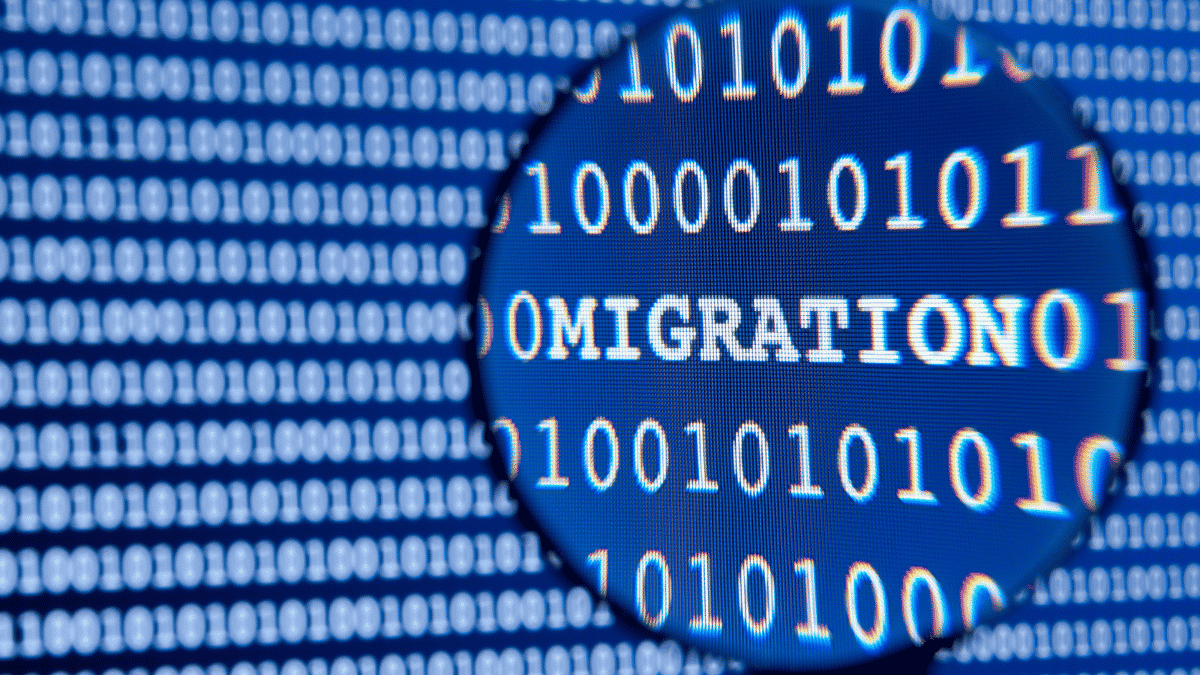
Data migration is almost always the most critical aspect of switching tools. You can successfully deploy a new ERP or CRM system from a technical standpoint and still fail at the project simply because historical data arrived incomplete, misaligned, or corrupted. It is the data—not the software—that determines whether teams can get to work the next day.
This guide covers the process, the actual risks, and the tools—including the technique that now makes it possible to migrate without downtime or duplicate data entry.
What is data migration?
Data migration involves transferring data from a source system to a target system: switching business software, moving from an on-premises server to the cloud, merging databases following a business merger, or replacing an aging database. The transfer almost always involves some form of transformation, because the structure of the source data rarely matches that of the target exactly.
It is this transformation that makes it difficult. Moving files from one disk to another is trivial. Matching the fields in an old CRM system to those in a new one—while preserving the links between customers, orders, and invoices—without losing or duplicating any records, is not.
Types of data migration
Depending on what you're moving, the challenges change:
Database migration: switching from one database engine to another (for example, from a self-hosted database to a managed service), including adjustments to schemas and data types.
Application migration: Data follows the change in software—from one ERP system to another, or from accounting software to an integrated platform. This is where mapping business fields is most challenging.
Storage migration: transferring files and documents to a new location (SharePoint, the cloud, a new server), while preserving the folder structure, permissions, and metadata.
Cloud migration: moving data from an on-premises environment to a hosted environment, which involves both transformation challenges and the challenges of moving to the cloud.
The 6-step method
1. Data auditing and profiling
Before transferring anything, you need to understand your data: volumes, formats, quality, duplicates, empty fields, and inconsistencies. This profiling phase reveals the true state of the existing data—which is often less clean than you might think. It’s also the time to decide what to migrate and what to archive: there’s no point in transferring (and paying for) years of obsolete data.
2. Mapping and mapping rules
For each field, we define which source data feeds which target data, and according to which transformation rules. A changing date format, a customer nomenclature that needs to be standardized, two source fields merging into one: all of this is described in the mapping document, which is the technical core of the project.
3. Cleaning and Preparation
Migrating dirty data means bringing clutter into the new system—and causing it to lose some of its value right from the start. Data cleansing (deduplication, resolving inconsistencies, normalization) should ideally be done before the switchover. A migration is a rare opportunity to start with a clean slate; it would be a shame to waste it.
4. Pilot migration (sample test)
We migrate a representative subset to validate the mapping rules and measure actual performance. This test identifies poorly defined mappings and edge cases before they affect the entire dataset.
5. Transfer and consistency checks
The actual transfer, followed immediately by checks: number of source records vs. target records, referential integrity (are the relationships between tables preserved?), business consistency (do the accounting totals match?). Without these checks, we don’t know if the migration was successful—we can only hope.
6. Validation and Decommissioning
Once the checks have been completed and the business teams have confirmed that the data is usable, we proceed to stabilization. The old system is decommissioned only after this full validation, never before—it remains the sole safety net until the target system is confirmed.
Seamless migration: the CDC method
The most frequently asked question: Do we need to stop operations during the migration? Not necessarily.
The Big Bang migration transfers and activates everything in a single step. It is suitable when dependencies are under control and a brief outage is acceptable (a weekend, for example).
Gradual migration using CDC (Change Data Capture) is the alternative when downtime is not an option. The principle: the old and new systems are continuously synchronized. Changes made to the source are captured and replicated in real time (incremental replication), with consistency checks performed on each batch. This allows for migration on a service-by-service basis, without duplicate data entry, and the old system is only shut down once all validation is complete.
That’s exactly how our FlexFlow solution works: change capture, incremental replication, and consistency checks enable batch-based failover without interrupting operations. This approach is a game-changer for organizations that can’t afford even a moment of downtime—billing, production, and support continue uninterrupted while the migration proceeds in the background.
The Risks of Data Migration (and How to Avoid Them)
Data loss. The most feared risk. It can be mitigated by performing a complete and verified backup of the source data before any transfer, and by keeping the old system in place until the new one is validated. An untested backup is useless: you must ensure that it can be restored.
Corruption and inconsistencies. Data arriving in truncated form, broken relationships between tables, totals that no longer match. It is the role of consistency checks (Step 5) to detect these issues before the system goes live, not after.
Duplicates. A poorly planned migration can create duplicate records, especially when merging databases. Upstream cleansing and downstream count checks help prevent this.
Sensitive data at risk. A migration may involve the handling of personal data and is therefore subject to the GDPR. Encryption of data transfers, authentication, access logging, and compliance (GDPR, ISO 27001, depending on the context) are not optional—a data breach during a migration makes the company liable.
Incomplete mapping. Missing source fields, unanticipated edge cases: this is the most common cause of errors, and it is precisely what the pilot migration (Step 4) is designed to identify.
What tools are available for data migration?
There is no one-size-fits-all solution: the right choice depends on the nature of the data and the strategy.
ETL/ELT (Extract, Transform, Load) tools: used to extract, transform, and load structured data by applying mapping rules. These tools form the backbone of a database migration.
CDC and replication tools: for continuous synchronization between source and target, essential for a seamless, phased migration.
Data profiling and quality tools: for initial auditing and data cleansing.
Vendor-specific tools: Most ERP, CRM, and cloud platforms offer their own import wizards, which are useful for simple cases but often insufficient for complex business mappings.
The key point is this: the tool alone does not determine the method. Even an excellent ETL tool, when applied to a sloppy mapping, will result in a failed migration—cleanly and quickly. The quality of the mapping document and the checks matters more than the choice of tool.
Should you get help?
A data migration brings together rare skills—modeling, ETL, quality control, and compliance—in a high-stakes, one-time project. Unlike an application bug, errors in a data migration cannot be easily corrected: data lost or corrupted in production may be lost or corrupted permanently.
At IT Systèmes, we ensure secure data migrations through business consistency testing, compliance with regulations (GDPR, ISO 27001), and—when business operations cannot be interrupted—continuous synchronization via FlexFlow. This service is part of our broader migration expertise, spanning applications to infrastructure. Our general project management methodology is detailed in our 7-step migration plan guide.
In summary
A successful data migration is not judged by the transfer itself, but by the checks: source/target counts, link integrity, and business consistency. The method consists of six steps, from profiling to decommissioning, and the golden rule is never to shut down the old system before full validation. When business operations cannot be interrupted, continuous synchronization via CDC now allows for batch migration without downtime or duplicate data entry. And in all cases, the quality of the mapping and pre-migration data cleansing determines the outcome.
FAQ
What are the steps involved in a data migration?
A data migration involves six steps: auditing and profiling existing data, mapping data rules, cleaning and preparing the data, conducting a pilot migration on a sample, transferring the data while performing consistency checks, and finally validating the data and decommissioning the old system. The old system is shut down only after full validation has been completed.
How can you migrate data without disrupting operations?
The CDC (Change Data Capture) method continuously synchronizes the old and new systems: changes to the source are captured and replicated in real time, with batch consistency checks. The migration is performed on a service-by-service basis, without duplicate data entry, and the old system is shut down only after all validation has been completed.
What are the risks involved in data migration?
The main risks include data loss, corruption, or inconsistencies (broken links, incorrect totals), the creation of duplicates, the exposure of sensitive data (GDPR compliance issues), and incomplete mapping. These risks can be mitigated through verified backups, systematic consistency checks, pre-migration data cleansing, and a pilot migration.
What tools should you use for data migration?
We typically combine several types of tools: ETL/ELT tools for extracting, transforming, and loading structured data; CDC and replication tools for continuous synchronization; profiling and quality tools for auditing and data cleansing; and vendors’ native import wizards for simple cases. The tool never replaces the quality of the mapping.
Does data migration fall under the GDPR?
Yes, as soon as it handles personal data. The transfer must include encryption, authentication, access tracking, and compliance with applicable regulations (GDPR, and, depending on the sector, ISO 27001 or industry-specific standards). A data breach occurring during a migration makes the company liable.





.svg)