.svg)
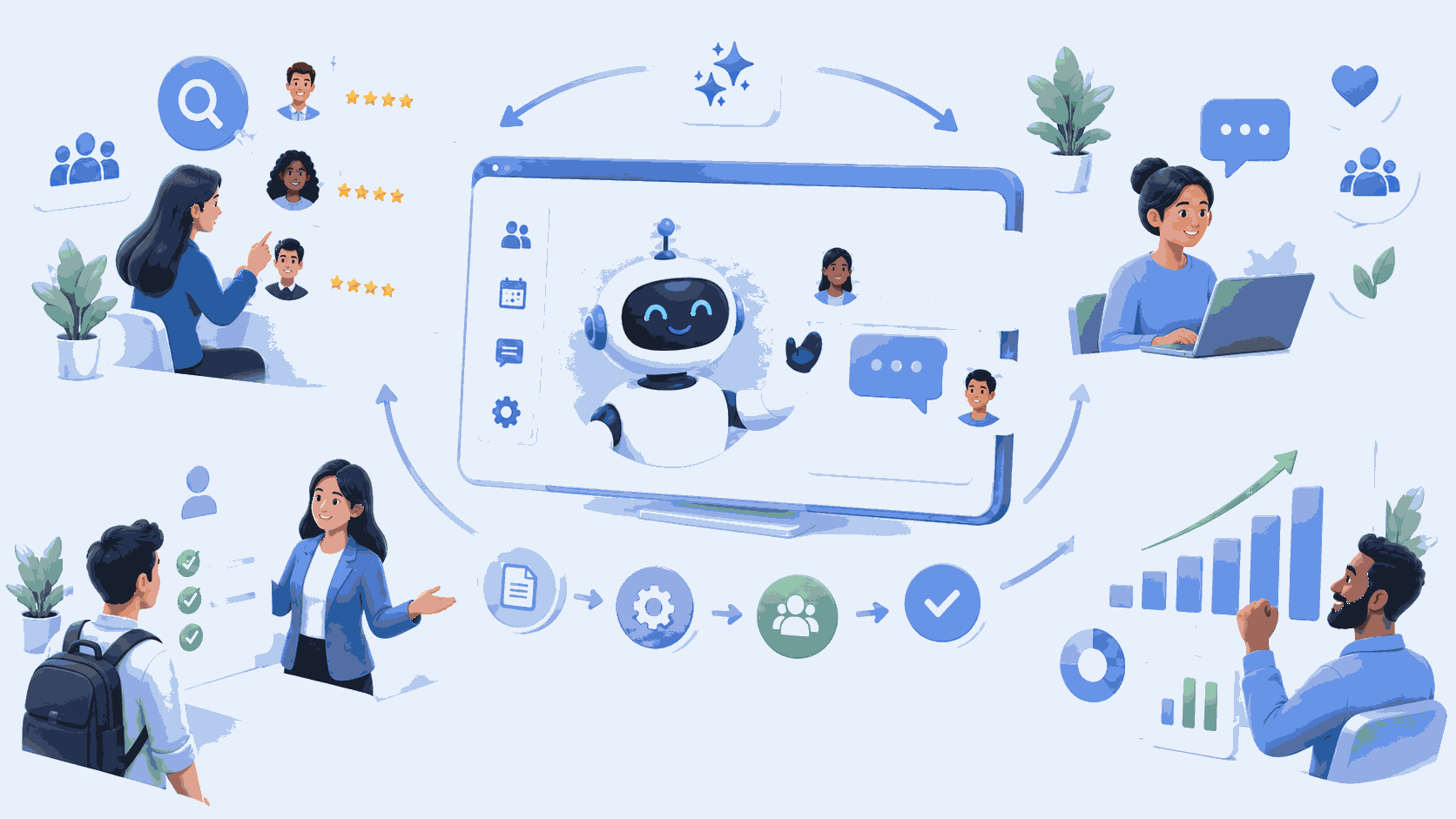
In summary, deploying AIOps does not mean plugging AI into your entire IT system all at once. The approach that works is a gradual one: an audit of the existing system, an initial targeted and reversible use case (often alert correlation or ticket triage), measurement of the results, and then a phased expansion. The prerequisites are few but non-negotiable: clean operational data, actions that can be triggered via API, and a documented incident history. Without proper guidance, the risk isn’t technical failure but overcomplication: a sophisticated tool that no one uses.
You understand what AIOps is and are wondering where to start. That’s the right question—and it’s also where most projects go off the rails. Not because of a lack of technology, but because of excessive ambition at the outset.
This article describes the approach we take at IT Systèmes, which is designed for small and medium-sized businesses (SMBs) and mid-sized companies in a Microsoft environment—not for large cloud-native infrastructures. If your IT system is based on Microsoft 365, Azure, and a managed desktop fleet rather than hundreds of Kubernetes microservices, this article is exactly for you.
The basic rule: start small
This is the only piece of advice that really matters, and all successful deployments follow it. You should never deploy AIOps in a "big bang" approach.
The logic is simple. AI models need to learn your system’s normal behavior before they can identify anything out of the ordinary. This learning process takes time and requires data. Trying to automate everything in the first month is like asking a newcomer to make critical decisions without knowing the house. The result is predictable: false positives, a loss of trust, and a tool that people eventually ignore.
The reverse approach works. You choose a small, non-critical, reversible scope. You measure. You adjust. You expand once confidence has been established. Each step validates the previous one.
The 5-Step Method
Here is the process we follow for an AIOps project. It is by no means proprietary; it is the framework shared by all serious initiatives in the industry. What sets it apart is its adaptation to the SME context and the personalized support provided at every stage.
Step 1 — Audit and Diagnosis. We assess the current situation: what monitoring tools are already in place, what data is available and in what condition, what the most frequent incidents are, and where teams are wasting time. This step sets the stage for everything else. Without actionable input data, AI produces noise, not decisions.
Step 2 — First targeted use case. Choose a scenario with high return and low risk. The two most common options are: alert correlation (grouping hundreds of alerts related to the same cause to stop overwhelming teams) and automatic sorting of support tickets. Deploy it on a limited scale, while retaining the ability to roll back.
Step 3 — Phased deployment. We integrate the tool into the existing ecosystem without replacing everything. In a Microsoft environment, this means connecting to what’s already there (Microsoft 365, Defender, ITSM tools) rather than building a new, parallel technical stack.
Step 4 — Training and onboarding. AI should be a tool that teams understand, not a black box imposed on them. We train technicians to interpret and challenge the platform’s recommendations. This is also the time to manage risks: operational logs may contain sensitive data (usernames, IP addresses), and we must prevent this data from being sent to external services beyond our control.
Step 5 — Monitoring and Iterations. We adjust thresholds, enrich the datasets, and expand the validated use cases. AIOps isn’t a project you deliver and then forget about; it’s a practice that continuously improves.
The Prerequisites, Straight to the Point
Before launching anything, three conditions must be met. If they are not met, the project is not ready, and it’s good advice to point that out.
Actionable data. Structured logs, historical metrics, access to traces. That’s the fuel. AI fed with incomplete or dirty data simply automates chaos.
Actions that can be triggered via API. For response automation to be meaningful, the platform must be able to take action: run a script, isolate a workstation, or restart a service. Without open APIs for your tools, AIOps is limited to observation.
A documented history of incidents. The models learn from the past. The more comprehensive and accurate your incident history is, the faster the platform becomes more relevant.
There is a fourth prerequisite, one that is less technical but just as crucial: genuine commitment from the teams. AIOps changes the way we work. If it is perceived as a threat rather than a way to lighten the workload, it will fail, regardless of how good the tool is.
The First Use Cases That Pay Off
For an SME, certain scenarios offer a better effort-to-result ratio than others in the early stages.
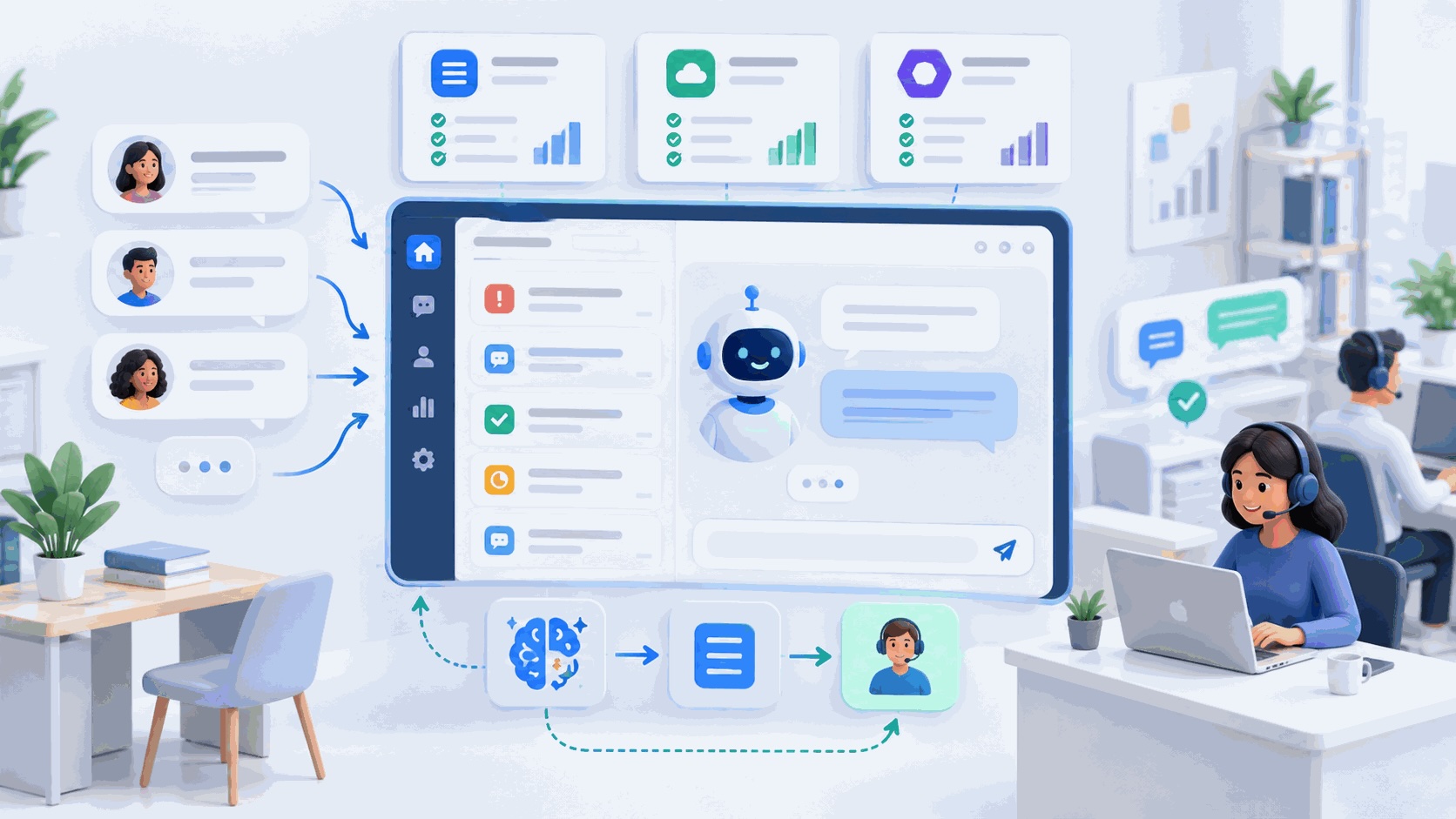
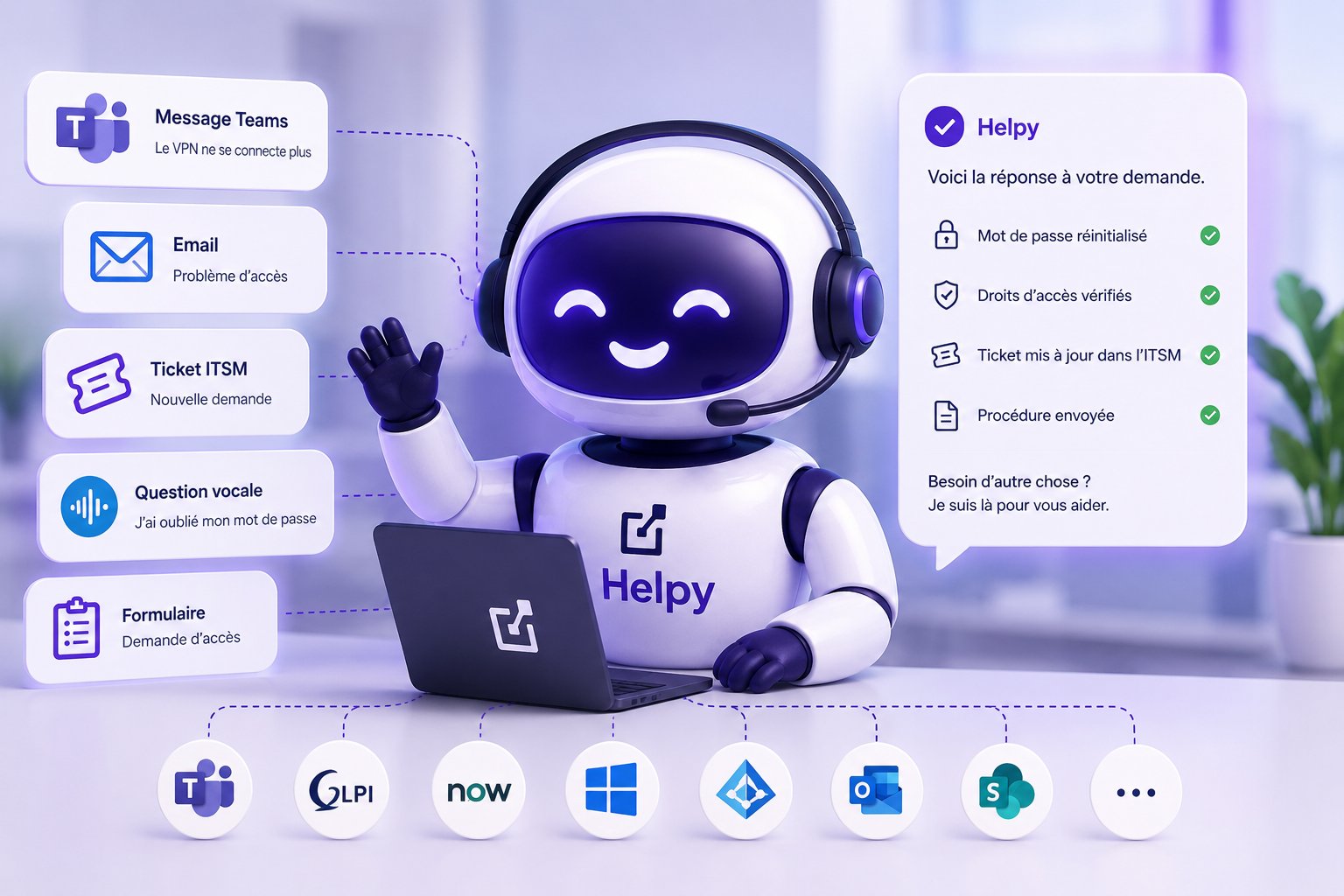
Sorting and resolving Level 1 tickets. This is often the most immediate source of savings. Recurring requests (password resets, access issues, common questions) account for a huge portion of the support volume and tie up technicians in tasks that don’t add value. This is exactly what we’ve automated in our own support system using Helpy, our AI-powered help desk solution: 60% of Level 1 tickets are now resolved autonomously, with response times dropping from several hours to just a few minutes. We rolled it out internally before offering it to our clients, precisely to validate the approach in our own environment.
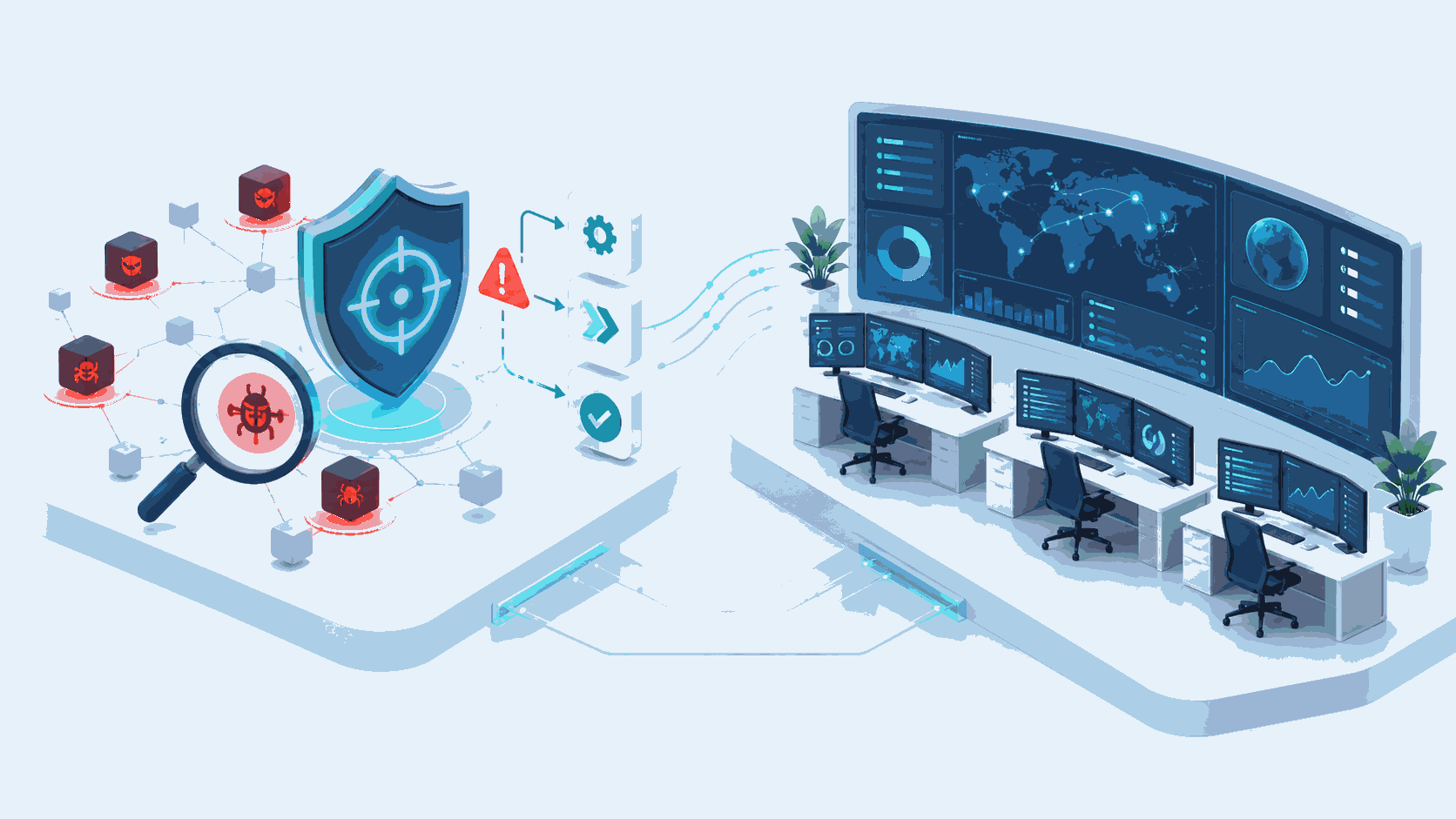
Alert correlation. A single incident often generates dozens of alerts across different tools. Grouping them to display only the root cause reduces noise and speeds up resolution. Ideal use case for an initial deployment: high impact, low risk, and quick, visible results.
Predictive monitoring. Once the foundation is in place, we shift from reacting to anticipating: identifying early warning signs (latency drift, approaching saturation) before a failure occurs.
The Role of a Partner in the Process
One might wonder why it’s better to seek guidance rather than just implementing a tool on one’s own. The answer lies in the nature of the subject.
AIOps involves sensitive data, automations that affect your production environment, and a transformation of work practices. Platform vendors sell the tool; they don’t understand the context of your IT infrastructure, aren’t familiar with your incident history, and aren’t there at 3 a.m. when an automation goes haywire. A partner who already manages your IT operations, on the other hand, builds on what you already have and retains control over sensitive decisions.
At IT Systèmes, AIOps is an integral part of our IT outsourcing and managed services offerings: AI-powered monitoring detects and correlates issues, while our analysts investigate and make decisions. The machine filters, the human decides. And since we use it in our own operations, we deploy a method at your site that we’ve first tested in-house.
In a nutshell
The best advice for AIOps can be summed up in one sentence: start small, with a targeted and reversible use case and clean data, and expand in stages once trust has been established. The prerequisites (actionable data, APIs, incident history) are non-negotiable. And the main risk isn’t technical: it’s trying to do everything at once and ending up with a convoluted system that no one uses.
Are you considering implementing AIOps in your managed services and want to know if your IT infrastructure is ready? Let’s discuss it with our experts: our support always begins with a no-obligation audit of your current setup.
Frequently asked questions
Where should you start with an AIOps project? Begin with an audit of the current system, followed by an initial targeted and reversible use case—most often alert correlation or automatic ticket triage. Measure the results, make adjustments, and then expand in stages. Never roll out the entire system all at once.
What are the prerequisites for deploying AIOps? There are three technical requirements: clean, actionable operational data (logs, metrics, traces); actions that can be triggered via API; and a documented history of incidents to train the models. There is also a fourth, organizational requirement: buy-in from the teams.
How long does it take to see results? With a well-chosen initial use case (alert correlation, ticket sorting), the first results are visible quickly. Predictive monitoring takes longer, as the models need time to learn the system’s normal behavior.
Does AIOps require a large infrastructure? No. The key factor isn’t size, but operational workload. As soon as the volume of alerts or tickets exceeds what a team can comfortably handle, AIOps makes sense—even in a Microsoft environment for small and medium-sized businesses.
Can AIOps be deployed without a partner? Technically, yes, but the process involves sensitive data, automations that affect production, and a shift in work habits. A partner that already manages your IT operations builds on your existing infrastructure, mitigates risks, and retains control over sensitive decisions.




.svg)